How to import a dashboard template


1. Navigate to your Certero Platform.
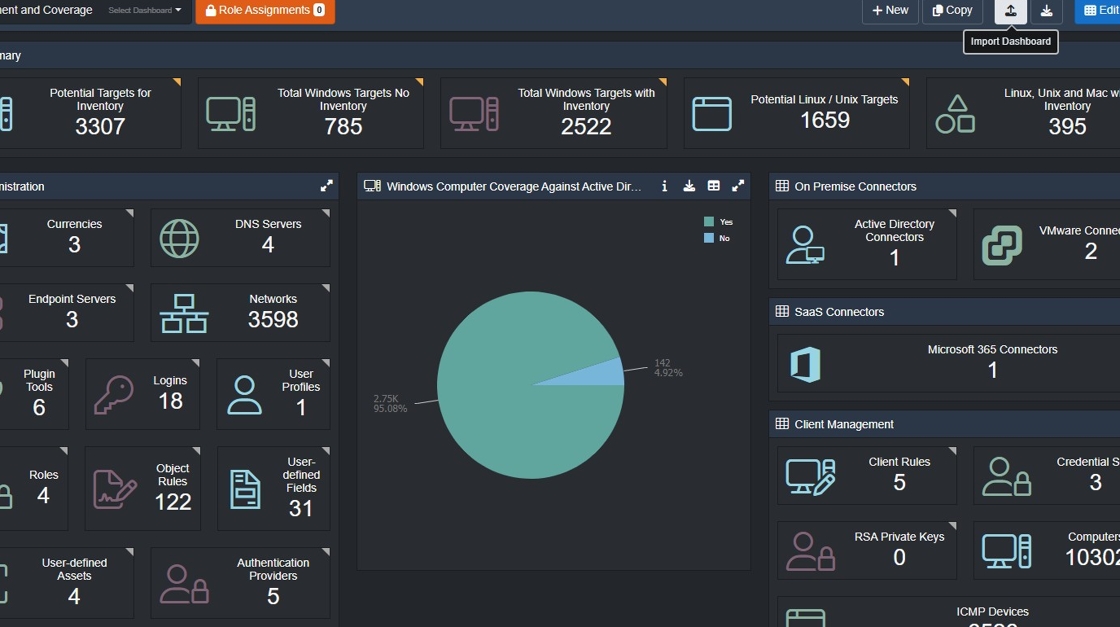
2. Click Import Dashboard.

3. Click "Add Field".
In the File Explorer modal that appears, select your dashboard .JSON template.

4. Your chosen dashboard should be shown as below.

5. Click "Upload"

6. All imported dashboard contain the date/time of import. This can be removed once your happy with the import which is covered in the next steps.
7. On your imported dashboard. Click "Edit"
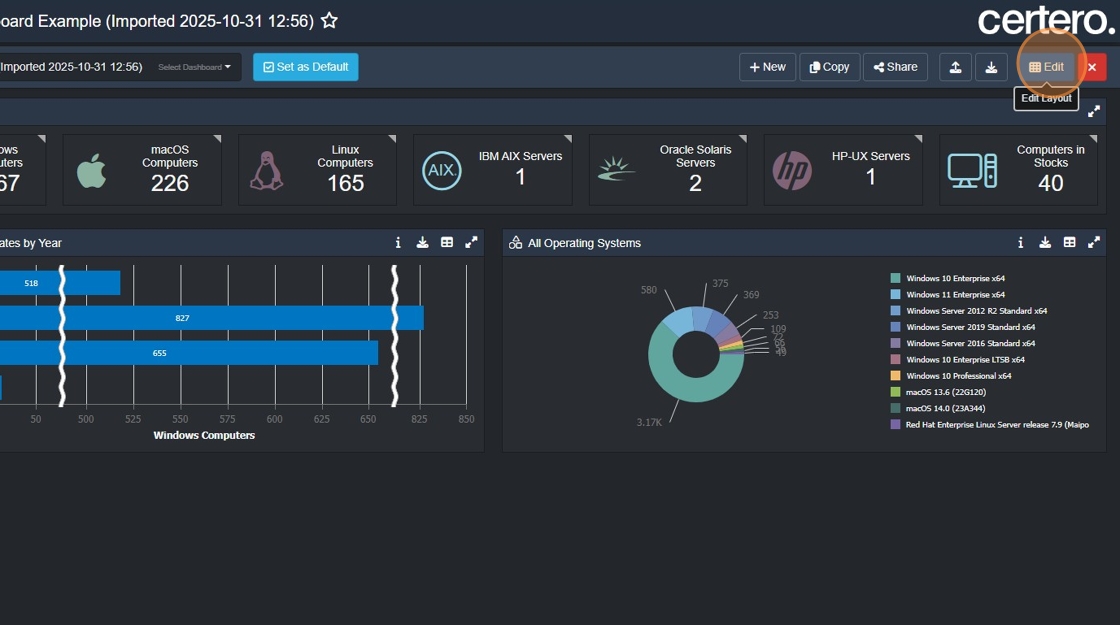
8. Click the dashboards title field. Remove the (XXXXX) addition.

9. Click "Save" to commit your changes.
