How to add a Report List to a Dashboard


1. Navigate to the required Dashboard

2. Click "Edit"

3. Click this button.

4. Click "Report List"

5. Click the "Name" field.

6. Type "Report List"
7. Click "OK Close"

8. Click "OK"

9. Click here.

10. Click here.

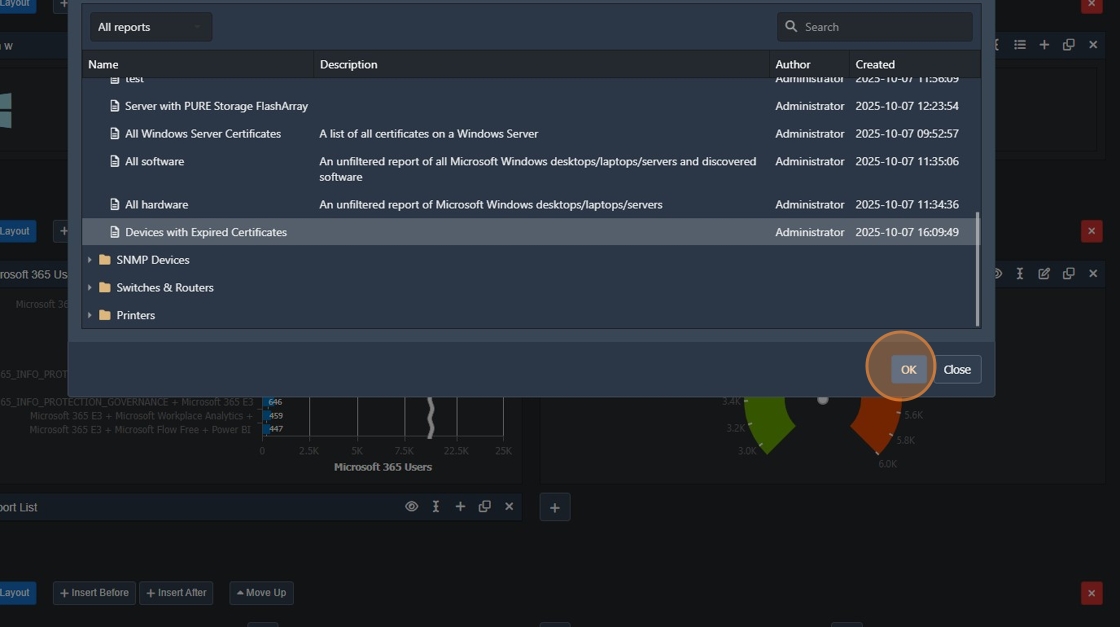
11. Click "Devices with Expired Certificates"

12. Click "OK"
13. Click "Save"

14. Click "Report List"
