How to add a File List to a Dashboard


A File List is a new and easy method of storing important items such as; Excel documents, Word documents and PDF's. Essentially, you can add any file with a size of 30MB or less to your Dashboard.
1. Navigate to your chosen Certero dashboard.
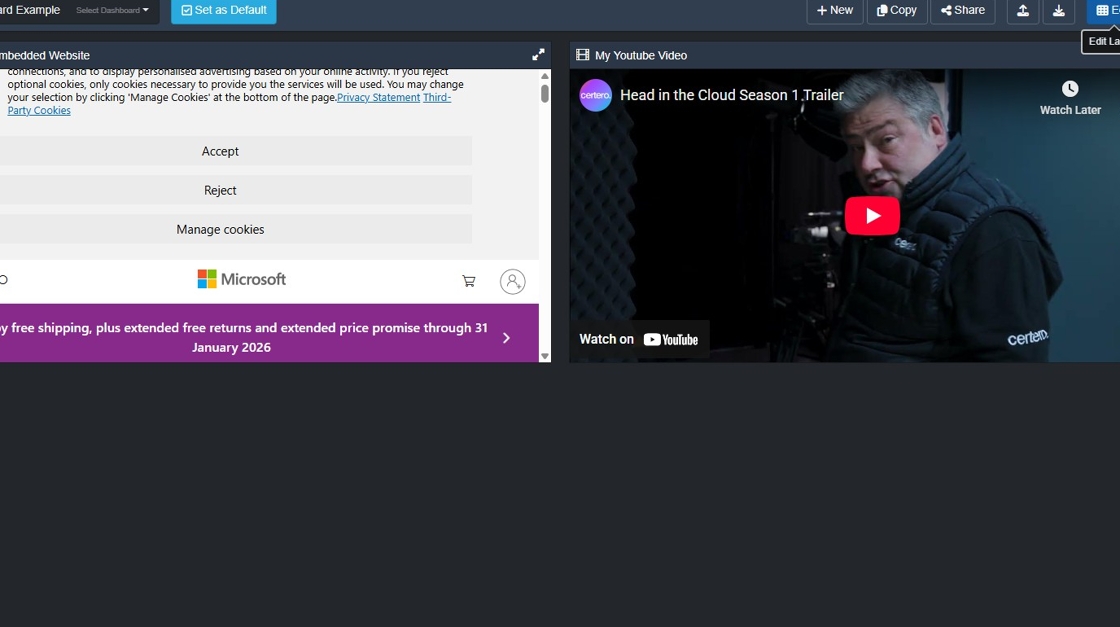
2. Click "Edit".

3. Click + to add a new section.

4. Click "File List"

5. Type a name of your file list. Click "OK".

6. Click + to add an item.

7. Item Explorer in Certero will be displayed, navigate to the file you wish to include on a dashboard.
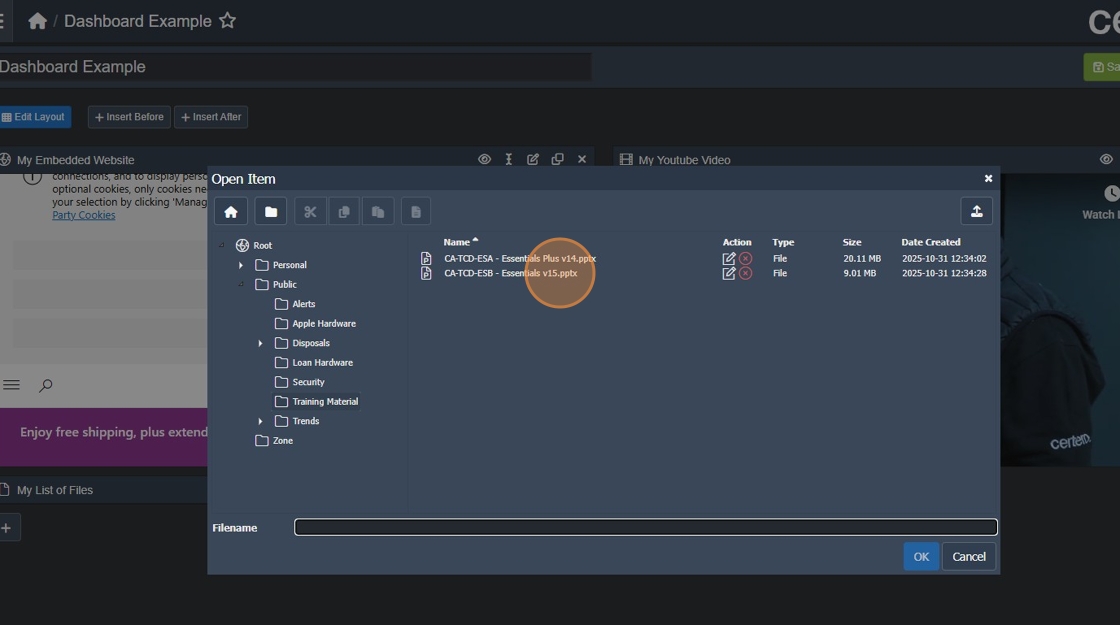
8. Click the required file.

9. Click "OK" to add your first file.

10. To add additional files. Click + to add another item.

11. Double click on your selected file.

12. Click "OK" to add your second file.
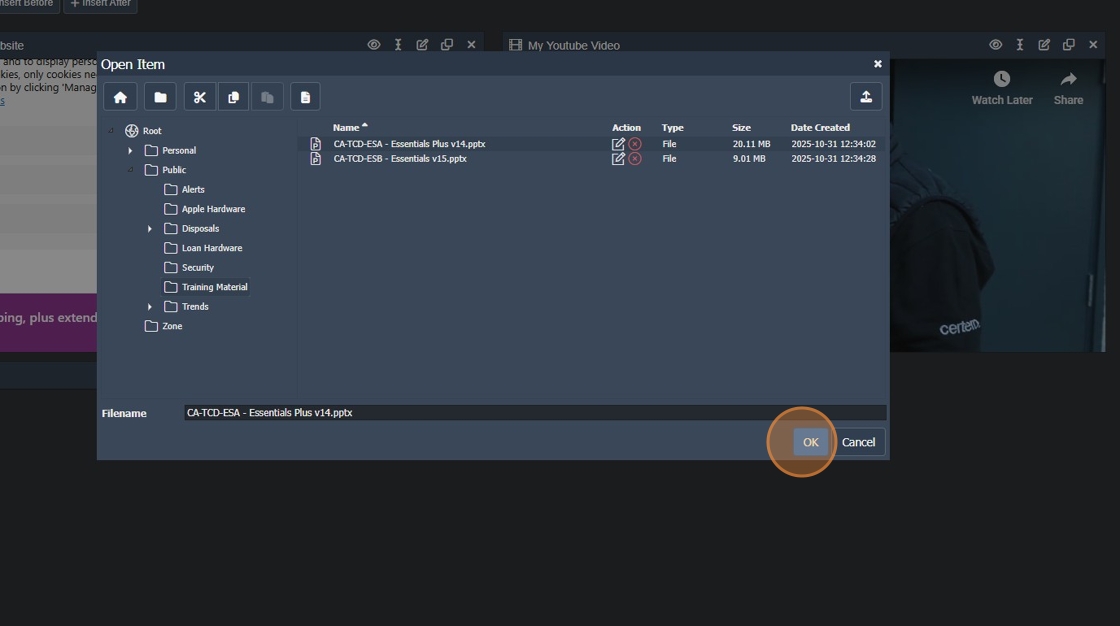
13. Your selected files will be displayed.

14. Click "Save" to commit your changes.
