How to add a new row to a Dashboard


Create a new row with 4 columns
Click ‘Edit’.

Click "Insert After"

Click on the 4 even columns.
46. Click here.

47. Click this button.

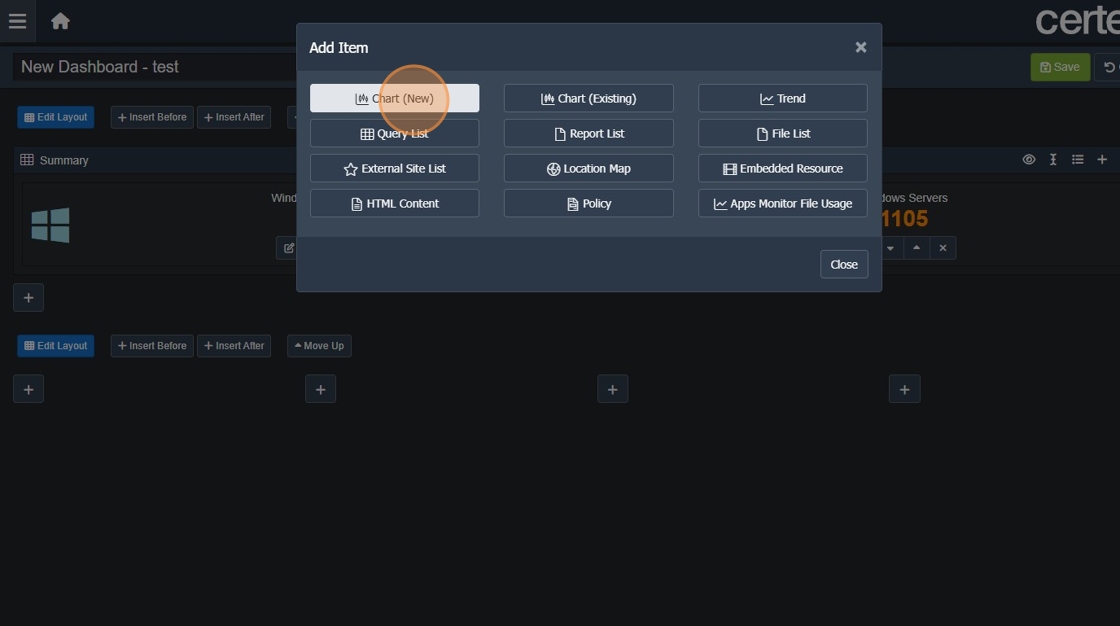
48. Choose required item.
Click ‘Edit’.
Click "Insert After"
Click on the 4 even columns.
46. Click here.
47. Click this button.
48. Choose required item.