How to add a Trend to a Dashboard


1. Navigate to required Dashboard.

2. Click here.
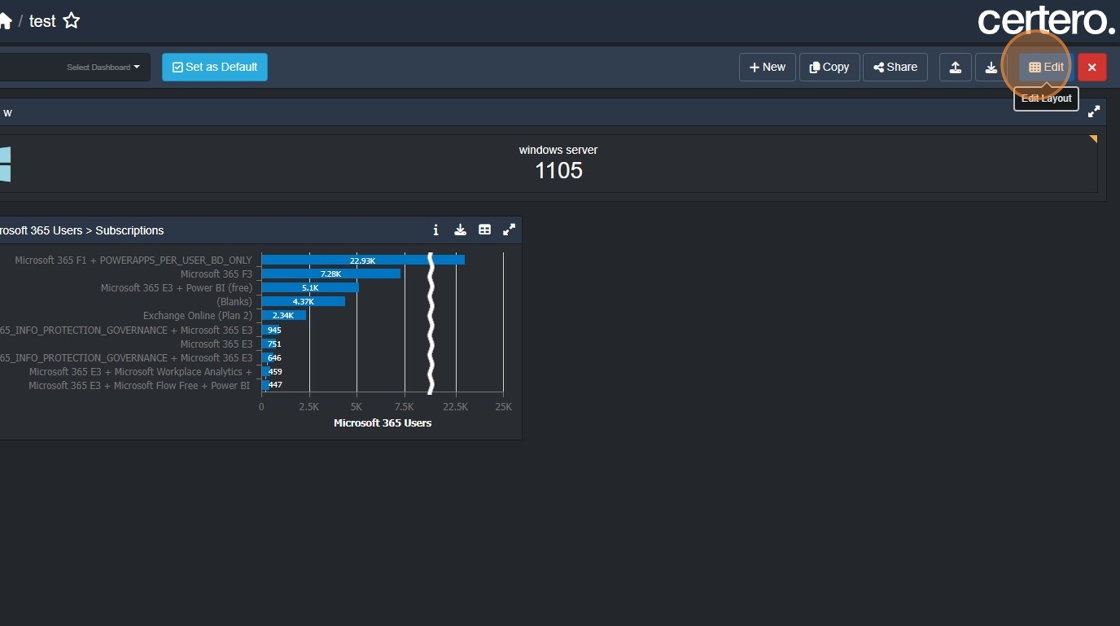
3. Click this button.

4. Click here.

5. Click "All Microsoft Windows Machines"

6. Click "OK"

7. Click "Save"

1. Navigate to required Dashboard.
2. Click here.
3. Click this button.
4. Click here.
5. Click "All Microsoft Windows Machines"
6. Click "OK"
7. Click "Save"