Downloading and applying SRS definition updates | v8+


In order to obtain SRS (Software Recognition Service) updates you must:
Have purchased the SRS from Certero
Have valid maintenance and support
You can manually download and apply SRS (Software Recognition Service) definition updates into Certero, as follows:
Go to the Customer Centre via https://cc.certero.com
Click “Downloads”
Click “Definitions”

Download three Software License Recognition Definitions:
Adobe
Generic
Microsoft
How to import definition files
1. RDP to your Provisioning Services host, connect to https://localhost:9000
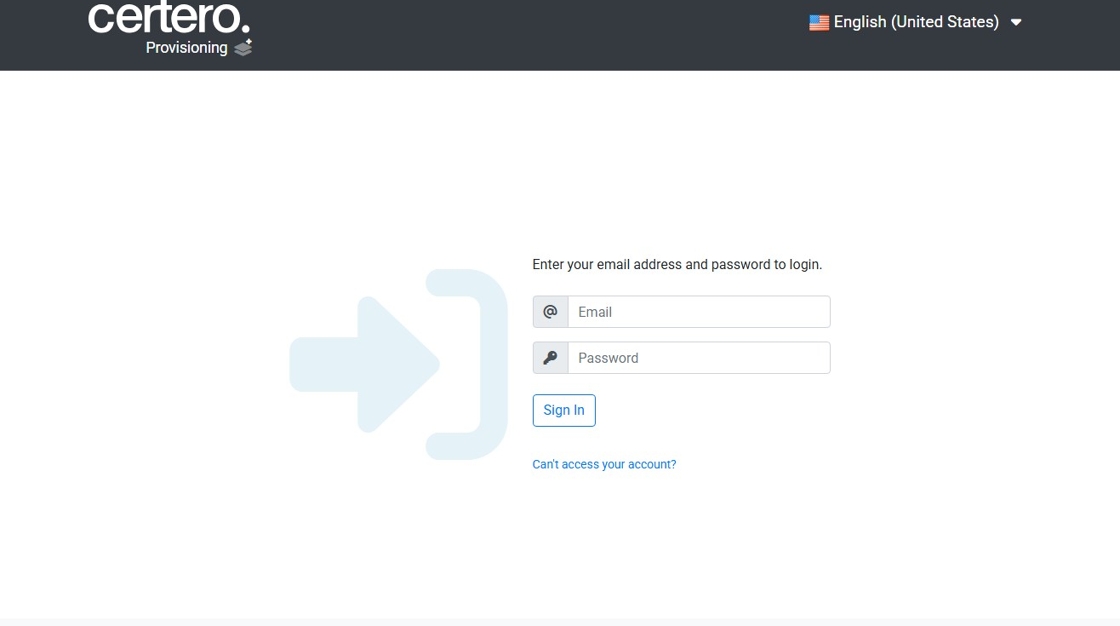
2. Click the "Email" field.

3. Type "admin@cps.local"
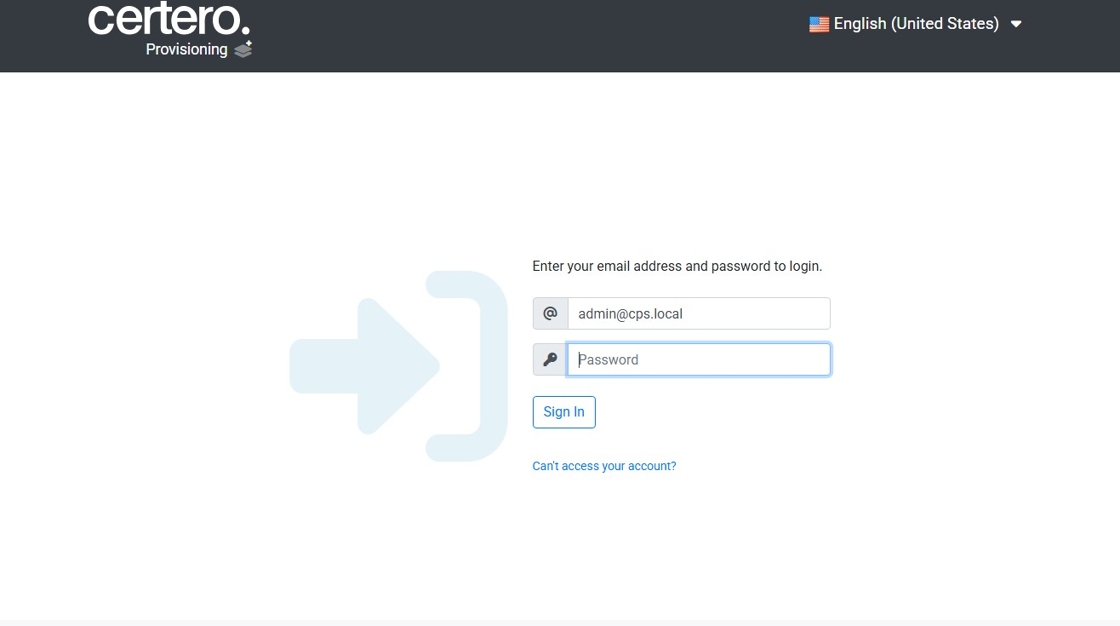
4. Click the "Password" field. Enter in your password.

5. Click "Sign In"

6. Click "Definitions"

7. Click "Select File"

Select the downloaded definition file.
Repeat the step 7-8 for each definition file you download