How to create a new API Key


1. Navigate to your Certero Platform.

2. Click the burger icon.

3. Click "Administration"

4. Click "API Keys"

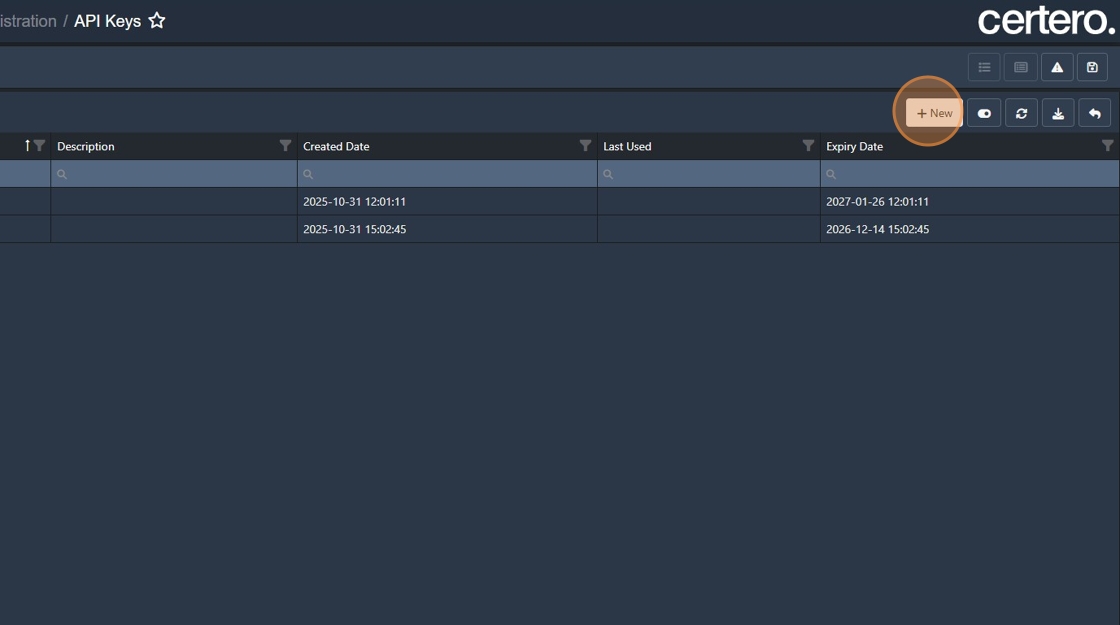
5. Click "New"
6. Click the "Name" field.

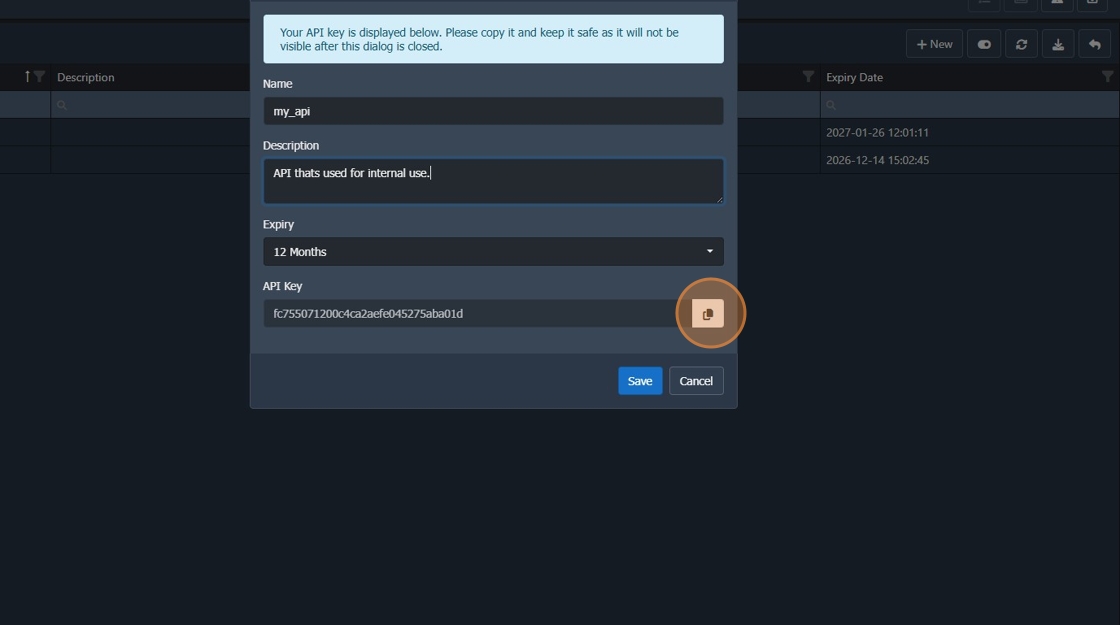
7. Give your API Key a name.
The name of your API Key is also the 'Username'.
8. Enter in a description to notify others what this API key serves.

9. Copy your API Key to a safe place.
Important: Copy the API Key before you press "Save" as you cannot view this once you have saved your new key.
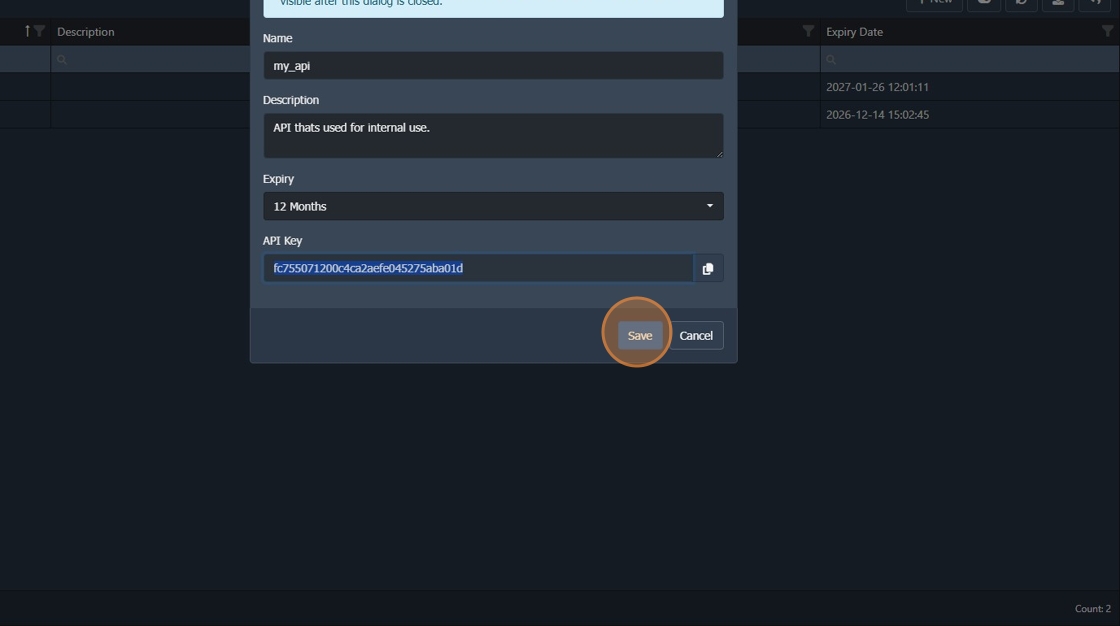
10. Click "Save"
11. Your API now setup and ready to use through any OData software such as “Postman”.
Username: Name of the created API Key
Password: The API Key