New Certero ID Activation


Summary:
This guide provides you with steps you will need to follow, in order to activate your new Certero ID. These steps will ensure you can quickly access the Certero Customer Center.
By following these simple steps, you'll create your credentials and log in seamlessly. It's essential for anyone looking to utilize Certero's support services efficiently.
Don't miss out on the opportunity to streamline your access with this easy-to-follow guide!
Guidance Steps:
1. Open the Invite email you have received from id@certero.com.

2. Click the link for "Accept invitation"
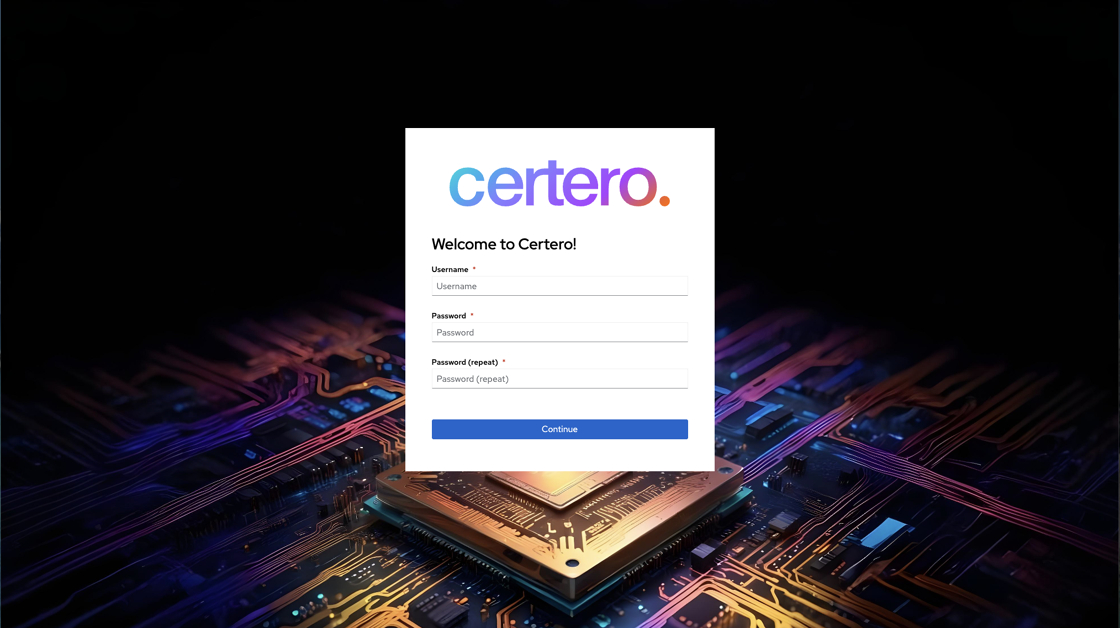
3. Create your desired Username & Password, then click "Continue"
4. Now you have created your Certero ID credentials, you will be asked to Login.
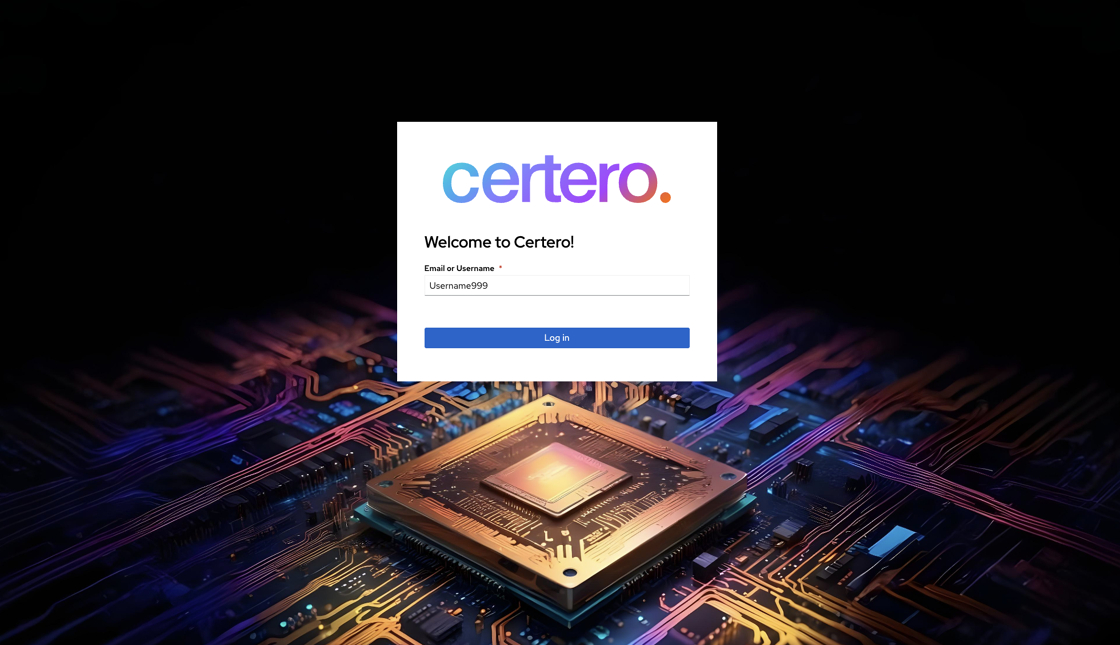
5. Enter the Username you have just created, or your associated email address, and click "Log in".
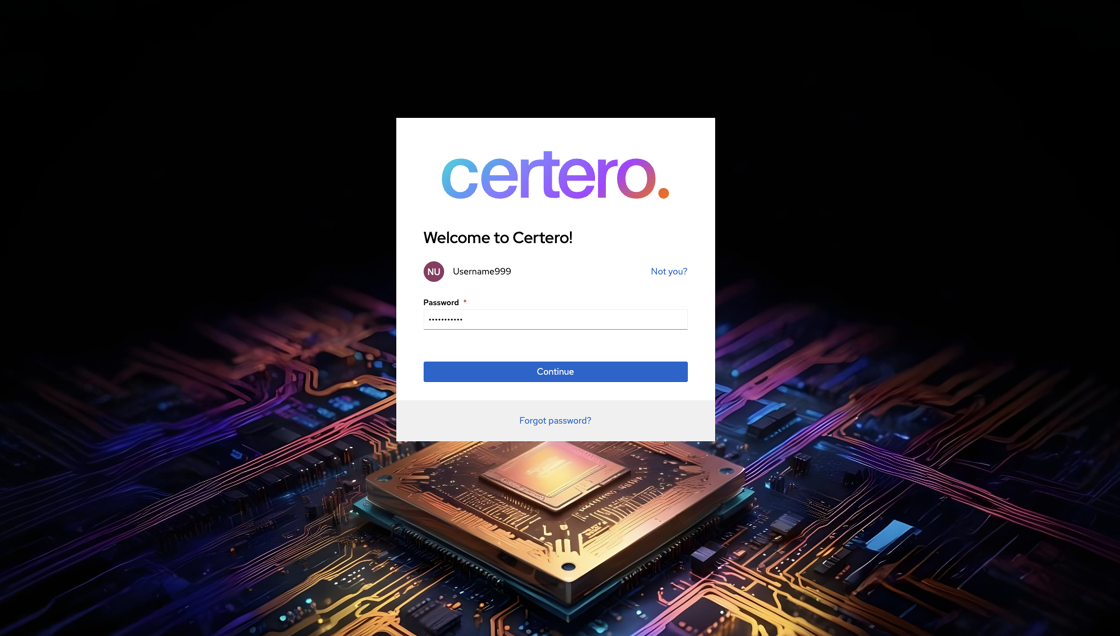
6. Enter the Password you have just created, and click "Continue".
7. You will then be successfully signed into the Certero Customer Center, using your new Certero ID.
