How to Create a Trend


Create a trend based on a data set
1. Navigate to a dataset from a dashboard or the main menu
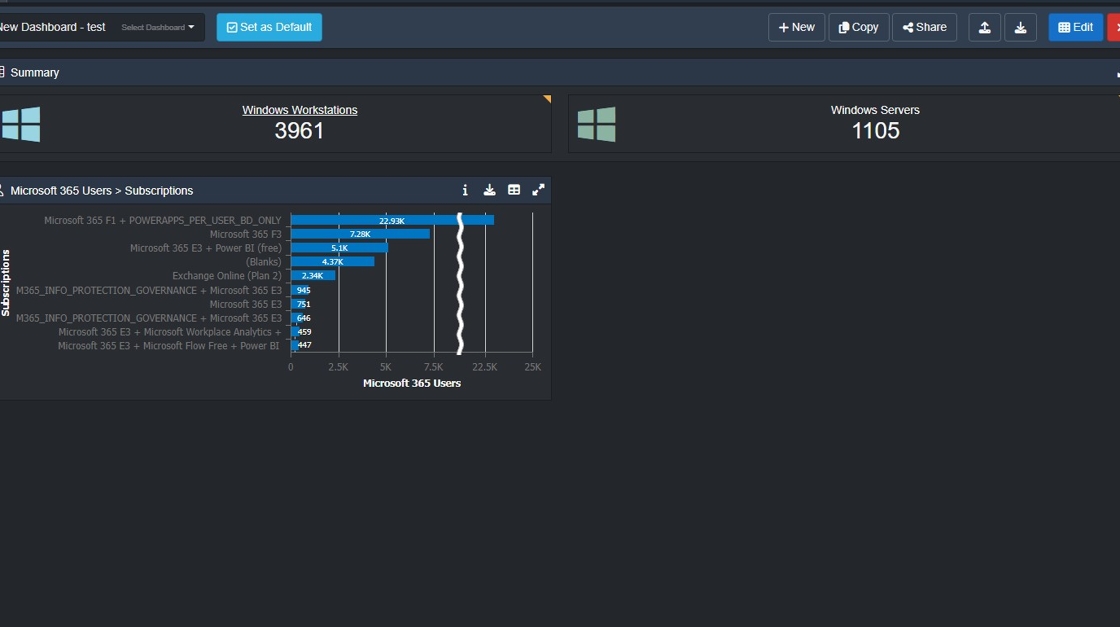
2. Click "Windows Workstations"

3. Click on ‘Trend Data’.

4. this opens up options to trend data. Set the options and click ‘OK’.

6. Navigate to area "Item Explorer" to save the trend.

11. Click this text field.

12. Type the filename required (this example - "All Microsoft Windows Machines") and click ‘OK’.
